If You Can Open a Tab, You Can Join a Goosechase: The Web App is Here
Skip the download and cut right to the chase. Goosechase is now playable on both browser and app.
Our most common request of all time: Don't make me download another app.
That's exactly why we're gathered here today. 🙏
Introducing the Goosechase web app: participants can now join and play any Goosechase Experience right from their browser, on any device, without downloading a thing.
Who Can Join Your Online Scavenger Hunt (No Mobile App Required)?
By design, everyone. If you've ever run a Goosechase for any of these people, you'll know exactly why this update is a big deal:
- Students on school-managed devices that need IT approval for new app installs
- A conference attendee sitting at their laptop and not about to dig out their phone
- The new hire whose work phone isn't set up yet
- Anyone who has ever looked at a download prompt and thought, "Honestly, never mind"
- This author, who has no idea what her App Store password is
It used to be impossible to efficiently run a web browser-based scavenger hunt. Not anymore. If your participants have a browser and an internet connection, they're in.
How Goosechase's Web App Works for Creators
Creators, nothing changes for you. Except having more participants who can join your digital scavenger hunts and interactive experiences friction-free.
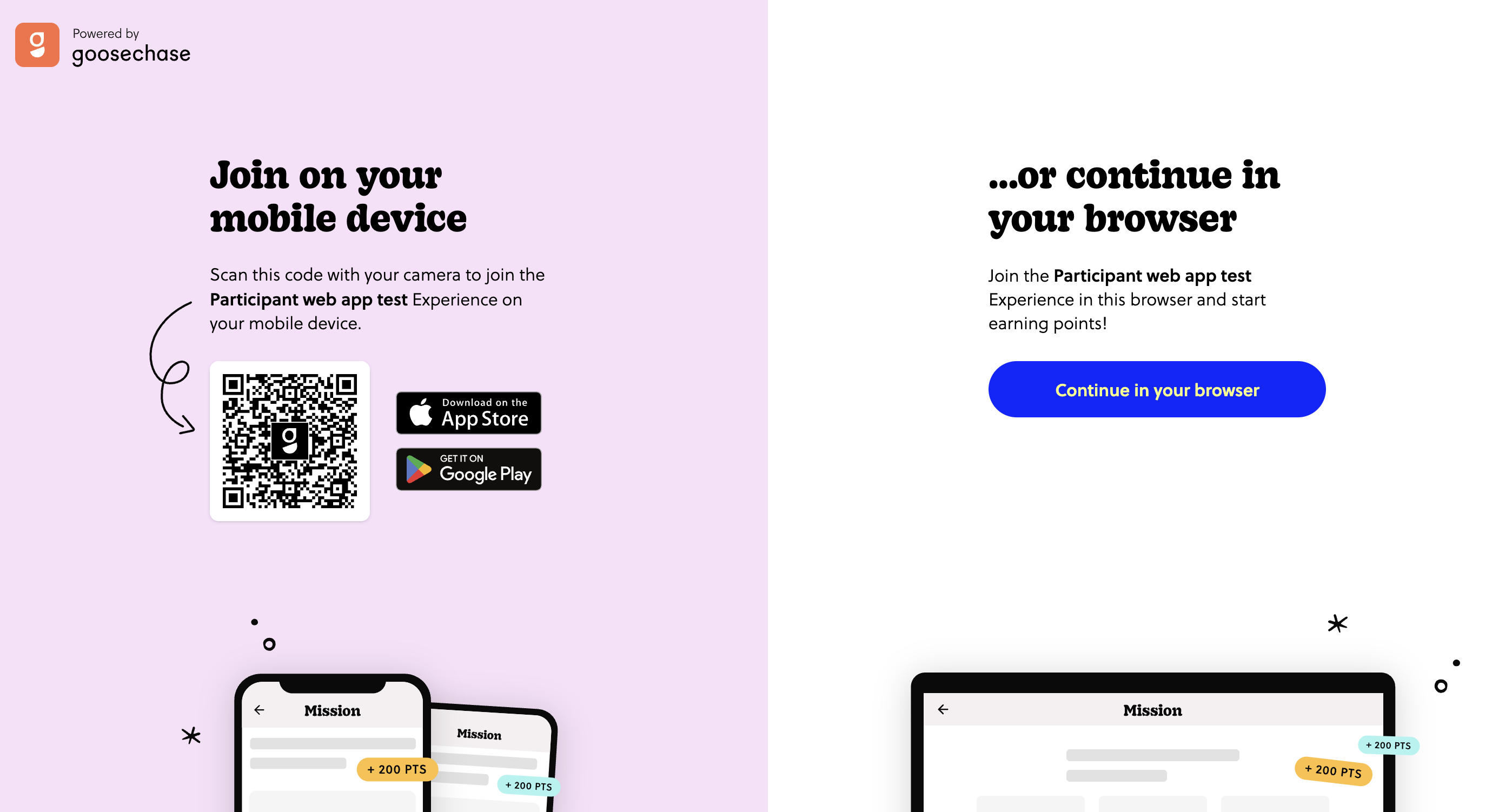
Share your join link or QR code as usual. Once opened, participants have the choice to join via the mobile app or stay on the browser:
- If a participant wants to play using the mobile app, scanning the QR code at the link will jump them right into the Experience (or app store, if they don't already have it downloaded).
- If they want to skip the download, continuing in the browser will take them directly to the same Experience on their device's internet browser. Just like on the mobile app, participants can sign in, sign-up, or join as a guest.
How Goosechase's Web App Works for Participants
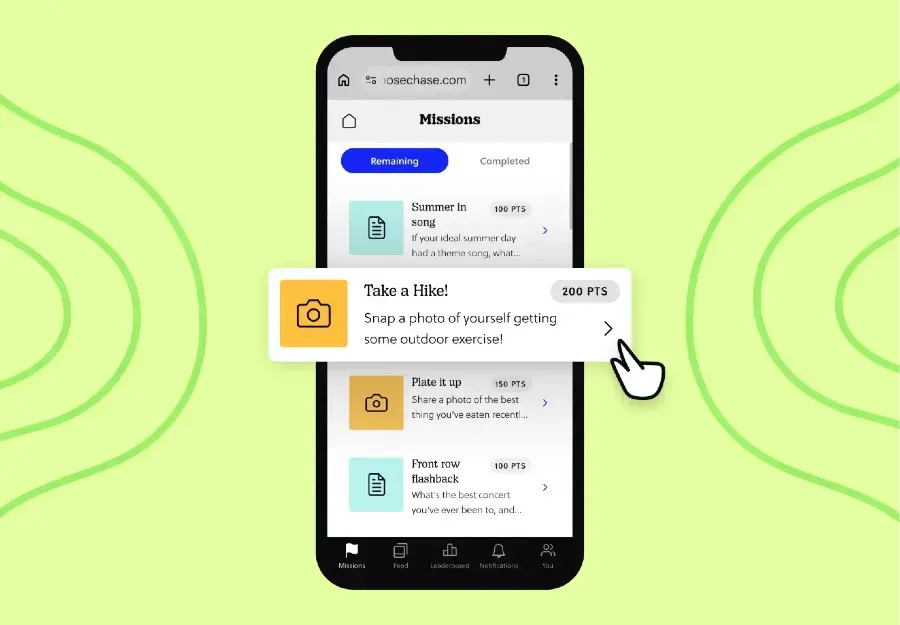
Participants now enjoy the power of choice: They can still download the mobile app or play right from their browser of choice, on any device, any size screen.
Once they're in, the experience is identical to the mobile app: same look, same feel, same Missions.
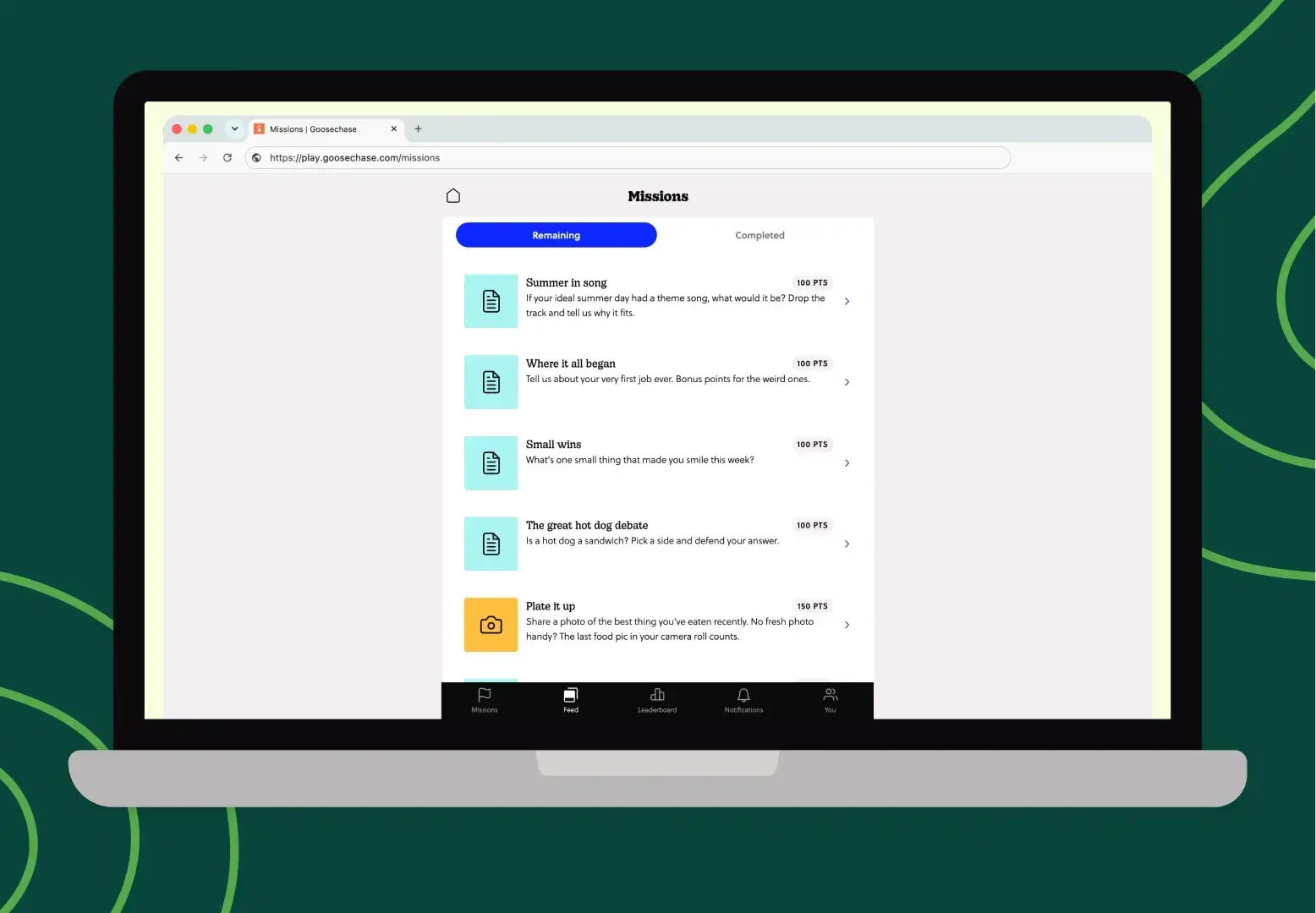
Participants can submit photos, videos, text, and GPS Missions the same way they always have. If they're joining from a browser, they may see a pop-up asking to enable their camera and microphone (totally normal, just click allow), and photo submissions will give them the option to take a photo or upload from their device.
Participants will also be asked to enable push notifications so they're updated on new Mission releases and Broadcasts.
Why a Browser-Based Scavenger Hunt Changes Who Gets to Play
"Play in a browser" is easy to undersell because it sounds like a small technical thing. It isn't.
The web app doesn't solve a technical problem. It solves a human one: the moment where someone almost joined your Experience and then didn't. The moment where your Experience might have made an impact, but couldn't.
Goosechase has always been about removing the distance between a great idea and the people it's meant to reach. A few months ago, invite links made it easier to get people to the door. Now, the web app means there's no barrier waiting on the other side of it.
After all, geese are built for the web.
What is Goosechase?
At Goosechase, experience is everything. Originally inspired by scavenger hunts, Goosechase is an online platform that enables organizations and schools to engage, activate, and educate their communities through delightful interactive experiences. Sign up and get started with a free Experience, or check out our Pricing!