Run a Classroom Scavenger Hunt in Any Browser, No Mobile App or Download Required
If you've ever wanted to run a Goosechase and paused because of a device policy, a mobile app approval process, or a school-issued Chromebook that doesn't take kindly to new installs, this update's for you:
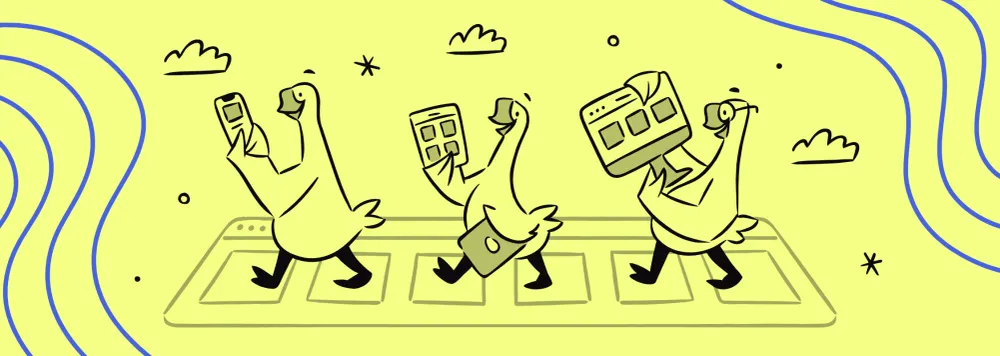
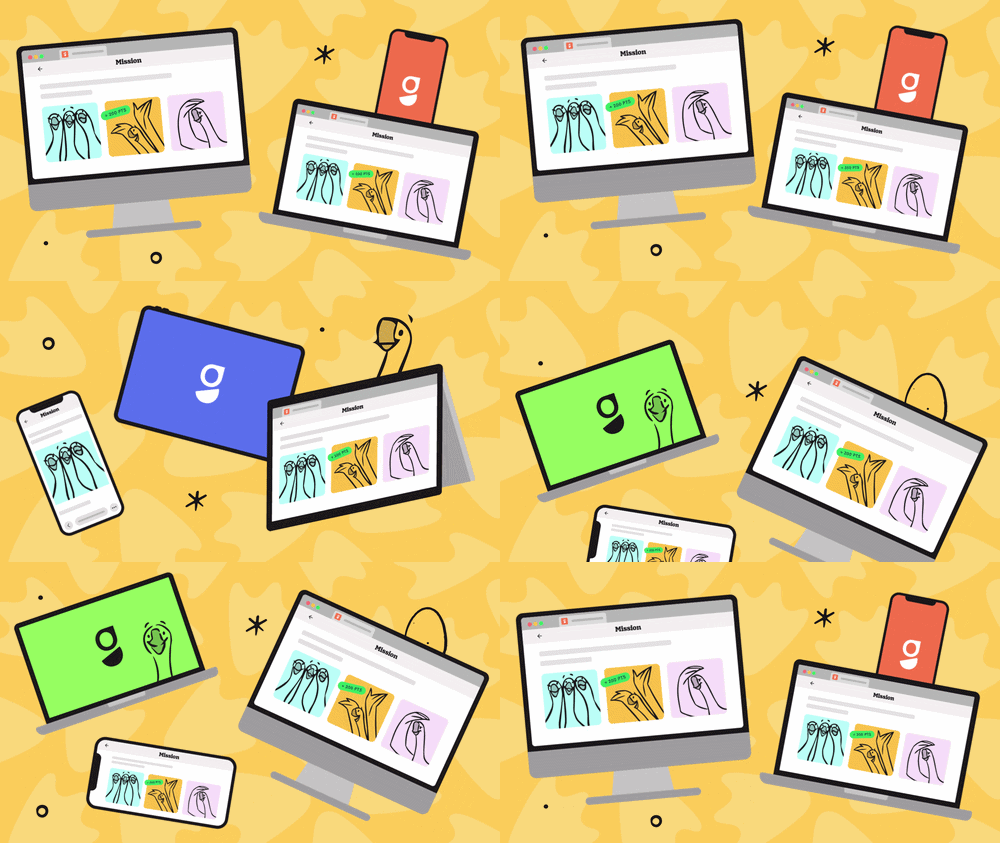
Participants can now join and play any Goosechase Experience right from a browser, on any device, with nothing to download. In other words, a classroom scavenger hunt — or a school event, a PD session, an orientation — that works on any device your school already has.
A Classroom Scavenger Hunt Tool Built for Real School Devices
This update was designed for everyone, but with two special groups of people in mind who don't always get to want the same thing. This time, they do.
For teachers, PD organizers, and anyone running an Experience:
- No more wondering whether this activity is even possible on the devices your students or staff actually have
- No more asking IT for a favor before you can try something new in your classroom or workshop
- One less thing standing between a good idea and actually doing it
For tech directors and IT teams:
- No new app to vet, approve, or add to a fleet of managed devices
- No installs to troubleshoot, no storage to worry about, no updates to push
- A tool that respects the systems you've already built, instead of asking you to make an exception for it
Same educational scavenger hunts, same Goosechase. Just fewer approvals standing between the platform and the people who want to use it.
Beyond the Classroom: Events That Reach Everyone
The same barrier that's kept some classrooms from playing has quietly limited school events, too. Any activity that depends on a crowd downloading an app before they can join — a fun run, a school fundraiser, a back-to-school night, an open house — has always had a built-in drop-off point.
With the web version, that drop-off mostly disappears. A parent walking into a curriculum night doesn't need the app installed to jump into a scavenger hunt. Grandparents at a fundraising event just need to scan a QR code on a poster. A community open house can run a hunt for visiting families who are stepping onto campus for the first time.
None of this requires setup ahead of time or a heads-up email asking people to download something first. It just requires showing up.
For events built around getting as many people through the door and engaged as possible, one less step between "here's a QR code" and "I'm playing" tends to matter. A LOT.
How the Goosechase Web App Works for Teachers
Nothing changes about how you build or run your Goosechase Experience. Share your Experience's join link or QR code exactly as you do now.
From there, it's your call. If your students already have access to the mobile app, whether on their own devices or school-issued ones, you know the drill. If not, the class can join from any device's browser instead. The decision comes down to what devices are in the room, not what Goosechase requires.
How the Goosechase Web App Works for Students and Participants
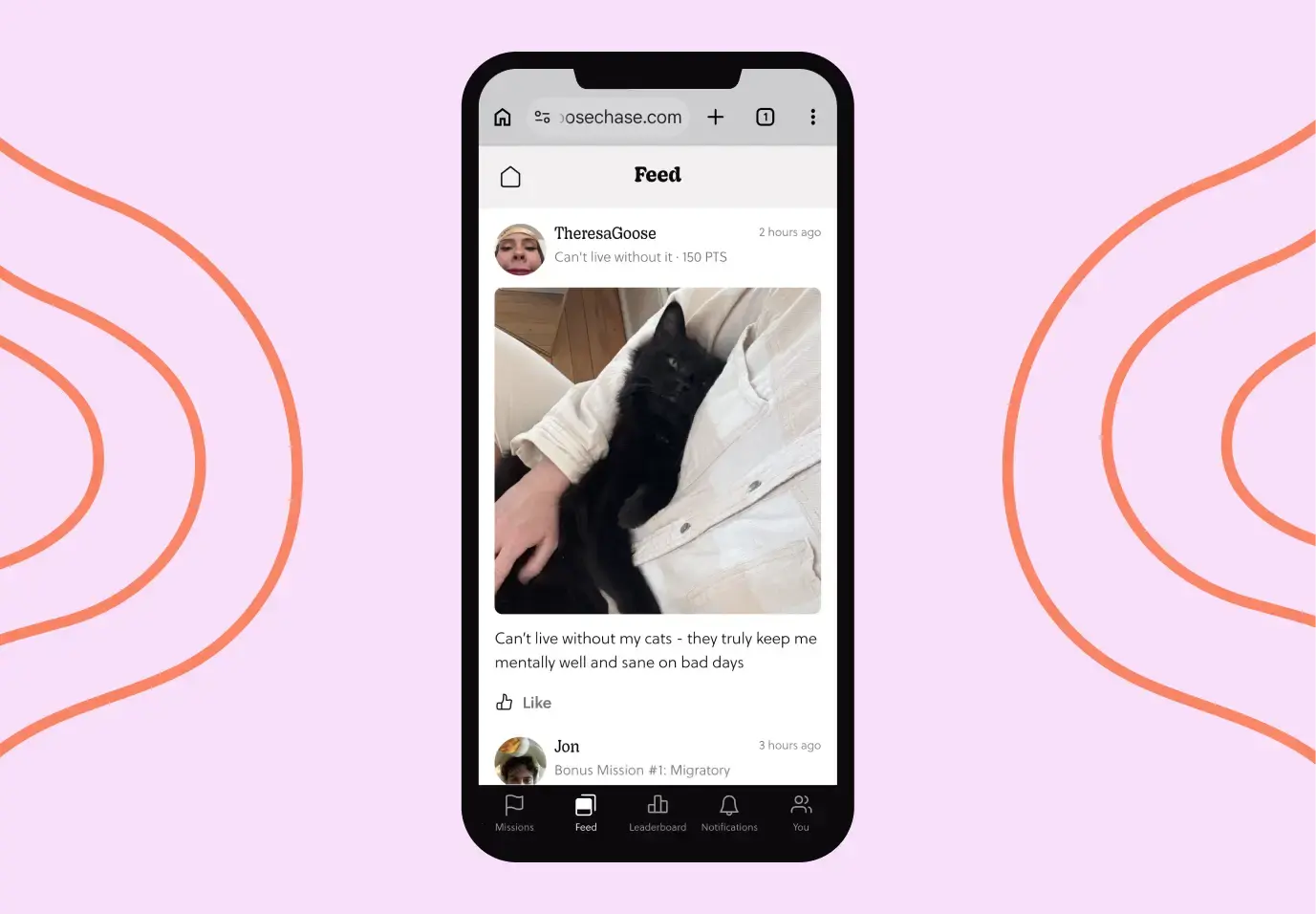
Once they're in, it feels like Goosechase because it is Goosechase. The same educational scavenger hunt experience, same Missions, same design, same ability to submit photos, videos, text, and GPS check-ins. That goes for a classroom of students just as much as a gym full of parents at a fundraiser or a lobby full of visitors on an open house night.
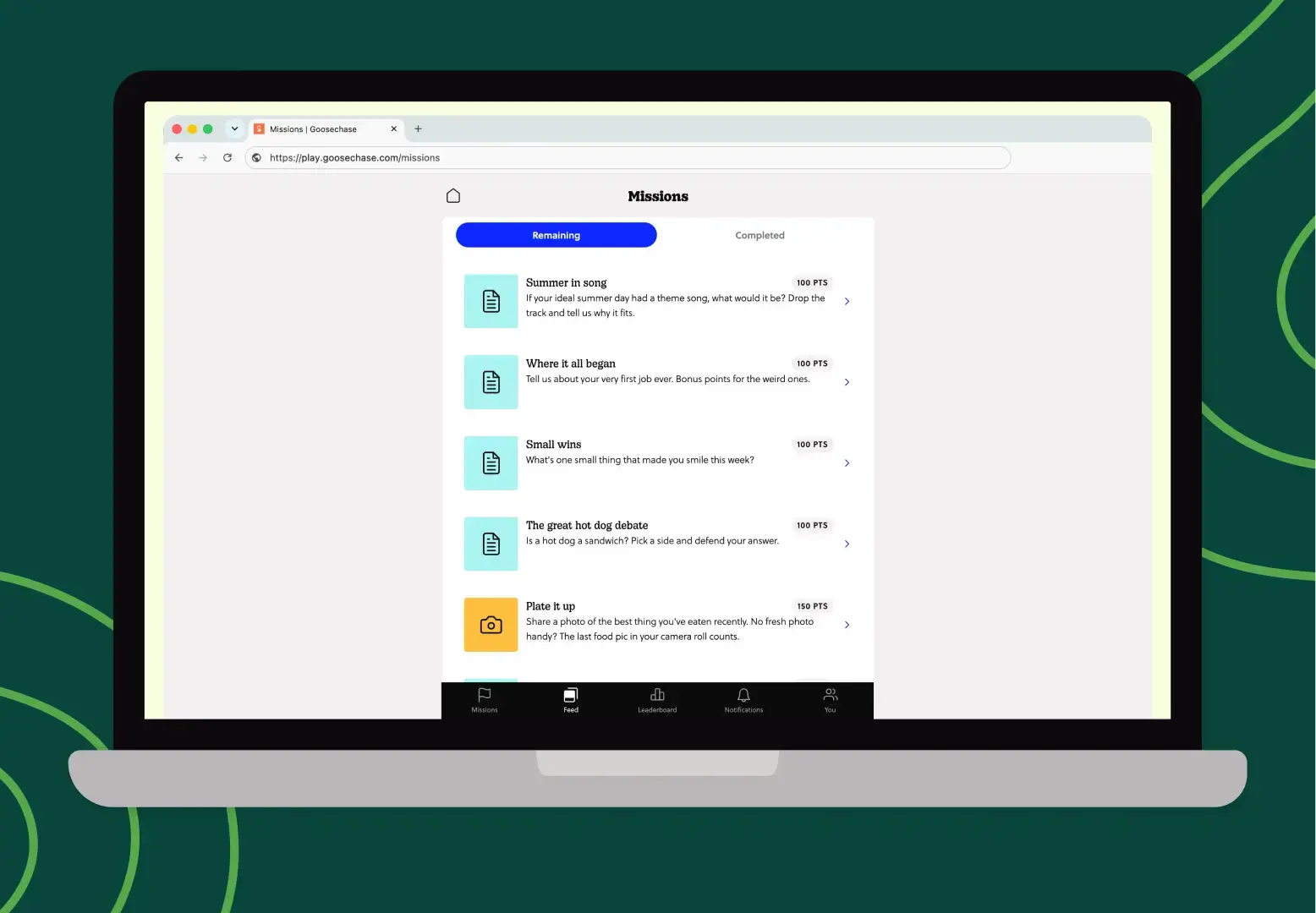
They can join without creating an account, so no need to worry about student data living on the platform.
Playing from a browser may prompt a request for camera or mic access. That's expected, not a glitch — just click allow. Photo Missions will let participants snap something new or upload from what's already on the device.
Participants will also be asked to enable push notifications so they're updated on new Mission releases and Broadcasts.
Why a School Scavenger Hunt Works Better Without the Mobile App
If you've used Goosechase before and haven't been able to lately because of a device policy, we built this for you.
If you've heard about Goosechase but weren't sure it would work in your school, this is us telling you it will.
And if you already run Experiences regularly, this is one more reason you can recommend it without a caveat attached.
At the end of the day, the fewer hoops between "we should try this" and "WE'RE DOING THIS!," the better. You've got enough on your plate!
What is Goosechase for Educators?
Goosechase is an online platform that helps educators create and run interactive learning experiences in their classrooms and beyond. Sign up and try creating an Experience, or contact us to learn more about our school and district-wide solutions!