
Goosechase Demo: 4 Ways to See It in Action Before You Commit
Looking up "Goosechase demo" is usually shorthand for one of two things: "show me what this actually looks like" or "let me try it without a sales call first." Either way, you don't need a calendar invite or a credit card to figure out whether Goosechase is the right fit for your next experience.
Here are the four ways to see Goosechase in action, sorted from "I have two minutes" to "I'm in, let me play."
Option 1: Watch a Demo Video (the Two-Minute Option)
If you want the fastest possible sense of what a Goosechase Experience looks like, start with one of the videos below. Each one walks through a different use case, but the mechanics are the same underneath: a Creator builds a list of Missions, participants complete them from the app, and submissions roll into a live feed and leaderboard.
For Tourism, Destinations, and City Explorers
This one zooms in on how tourism coordinators, DMOs, and small-business associations use Goosechase to turn local tours into something visitors actually post about, driving foot traffic to businesses and giving residents a new reason to rediscover their own neighborhood.
For K-12 Educators
Here's the same platform applied to the classroom, from field trips and orientation week to review games and outdoor learning. If you're an educator wondering whether this is "just a scavenger hunt app," this is the one to watch.
What About My Use Case?
The honest answer: whatever you're planning (onboarding, team offsites, conference networking, fundraisers, summer camps, university orientation, museum tours) the Goosechase pattern works the same way. Build a list of Missions, invite people in with a join code or join link, and watch the submissions pour in. The two videos above are good stand-ins for almost any use case, even if the setting looks different from yours.
Option 2: Browse Real Experiences Other Creators Have Built
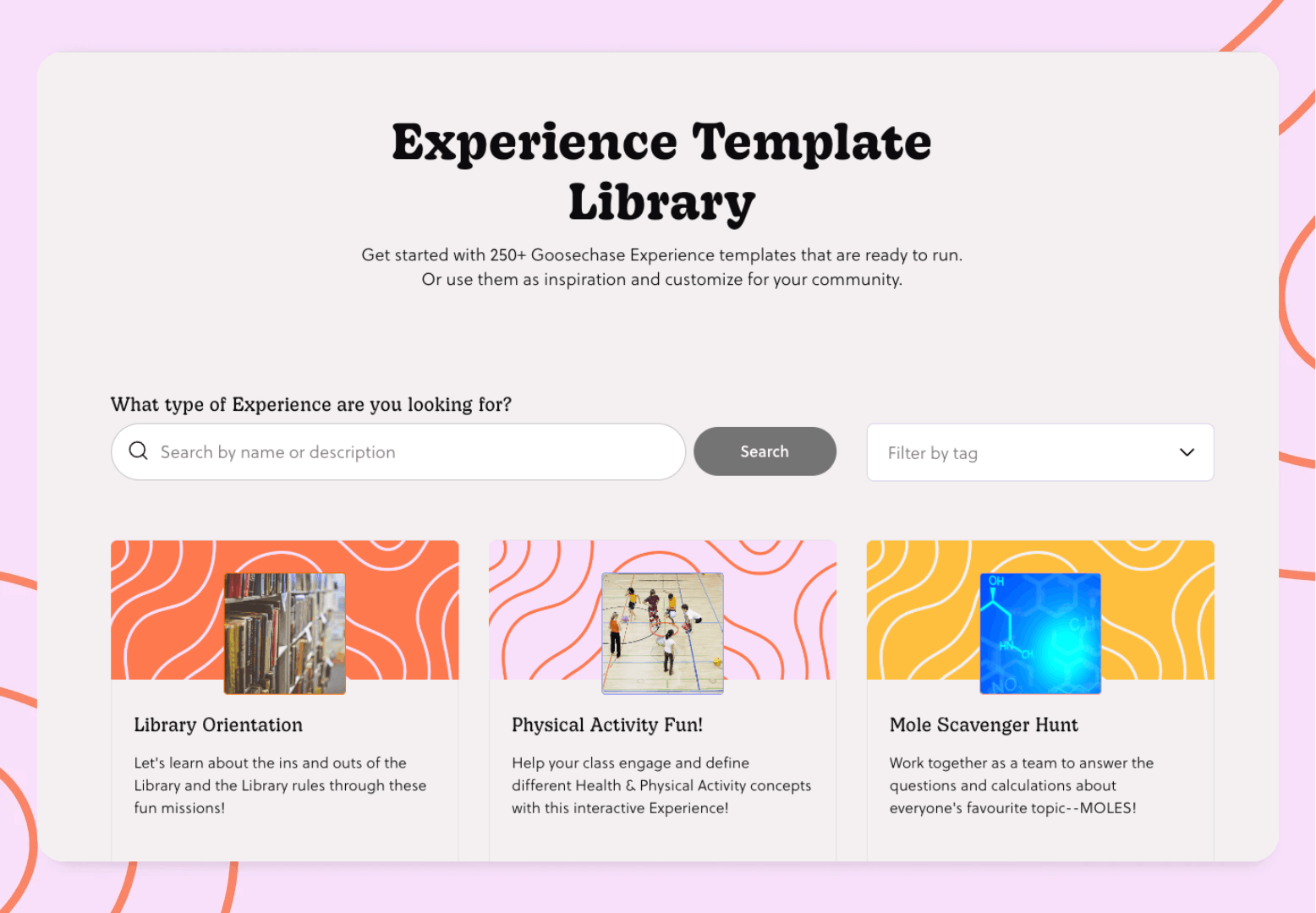
Videos are great, but nothing beats poking through actual Experiences built by real Creators. Our Experience Library has hundreds of pre-built templates, from icebreakers and team-building Experiences to multi-day educational adventures, and you can read through the Missions of each one without signing up for anything.
It's the closest thing to looking over a Creator's shoulder while they plan.
Option 3: Join Our Live Demo Experience (the Full Participant View)
Ready to actually do a Goosechase? We keep a live demo Experience running 24/7 so anyone curious can join, complete Missions, and see the participant side from the inside.
Try the demo Experience
Three steps and you're in:
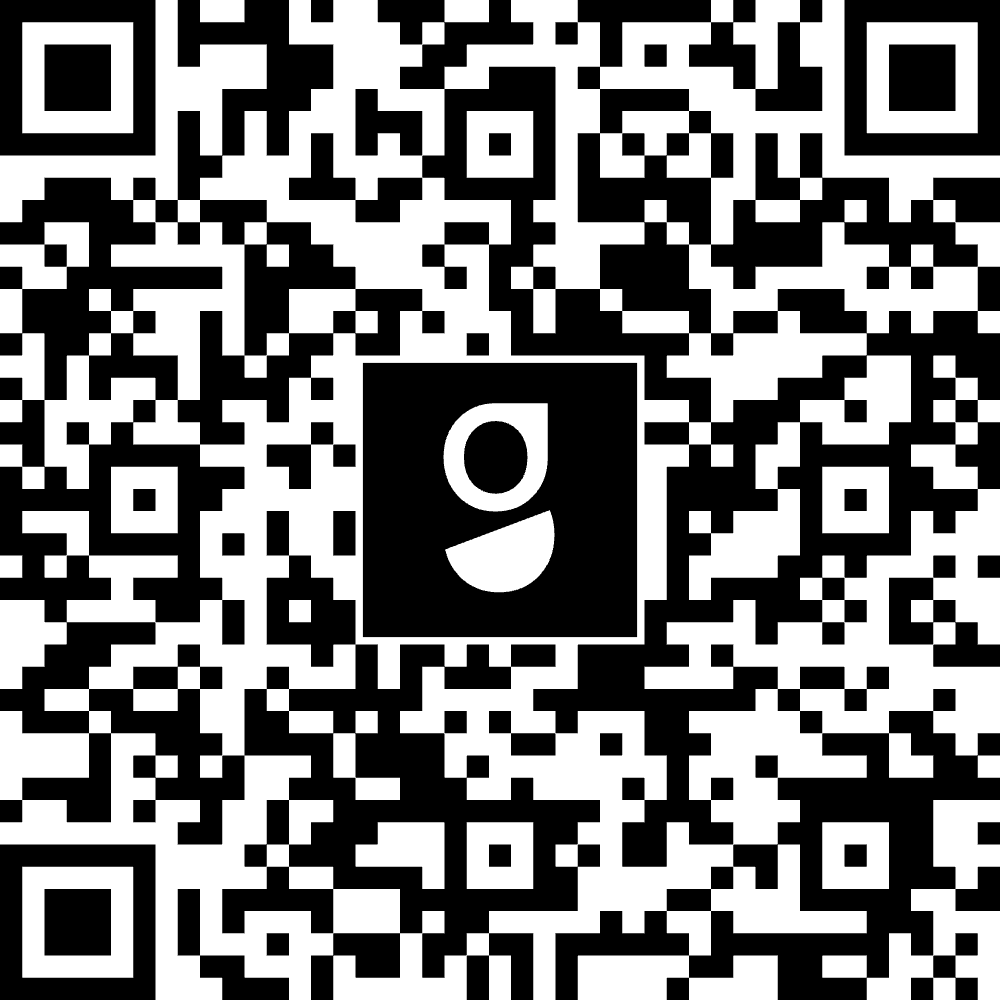
- Scan the QR code with your phone's camera or, if you're already on mobile, tap here to open it in the app.
- Sign up, log in, or continue as a guest, whichever's quickest.
- Pick a username and start completing Missions.
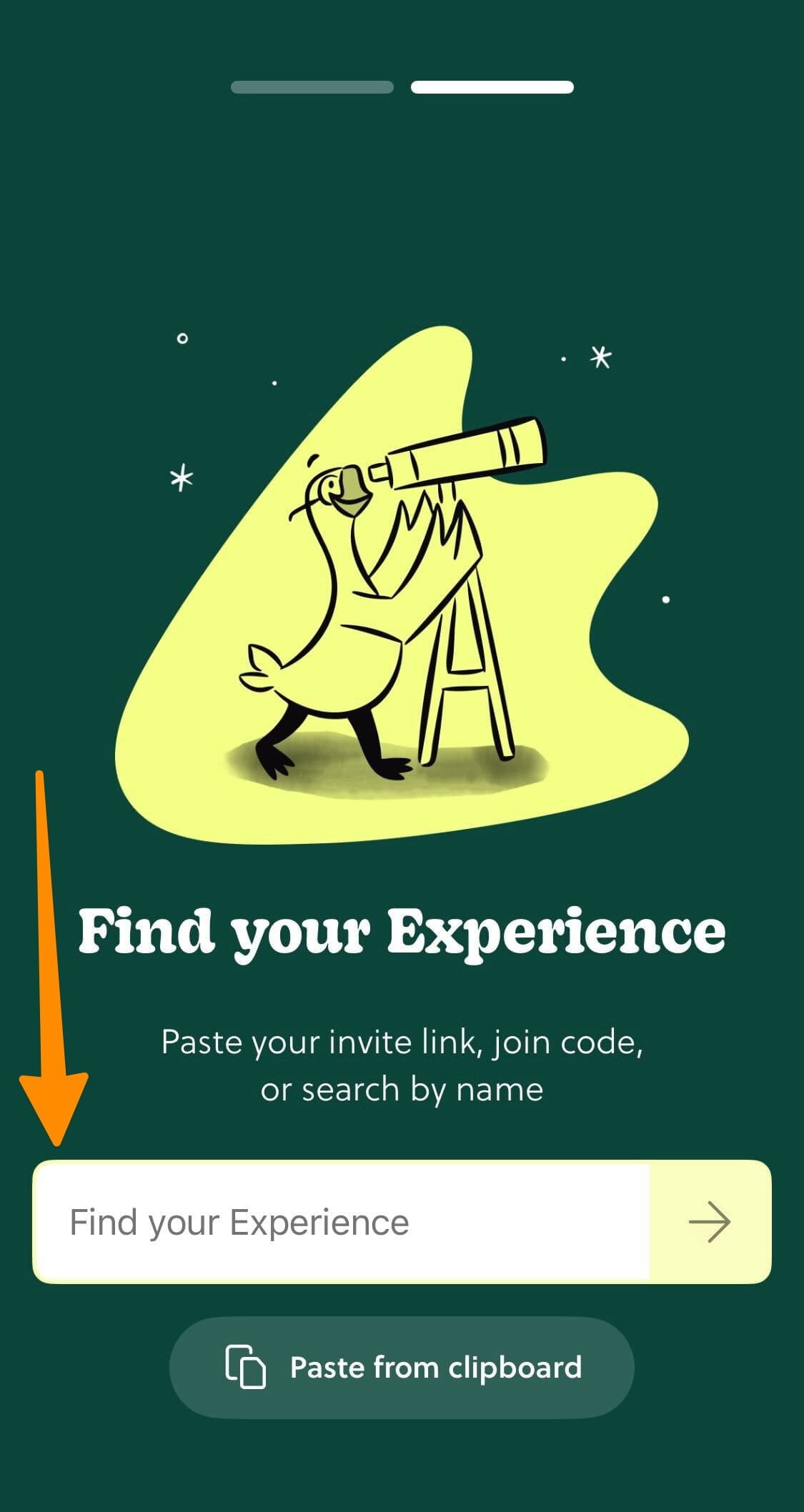
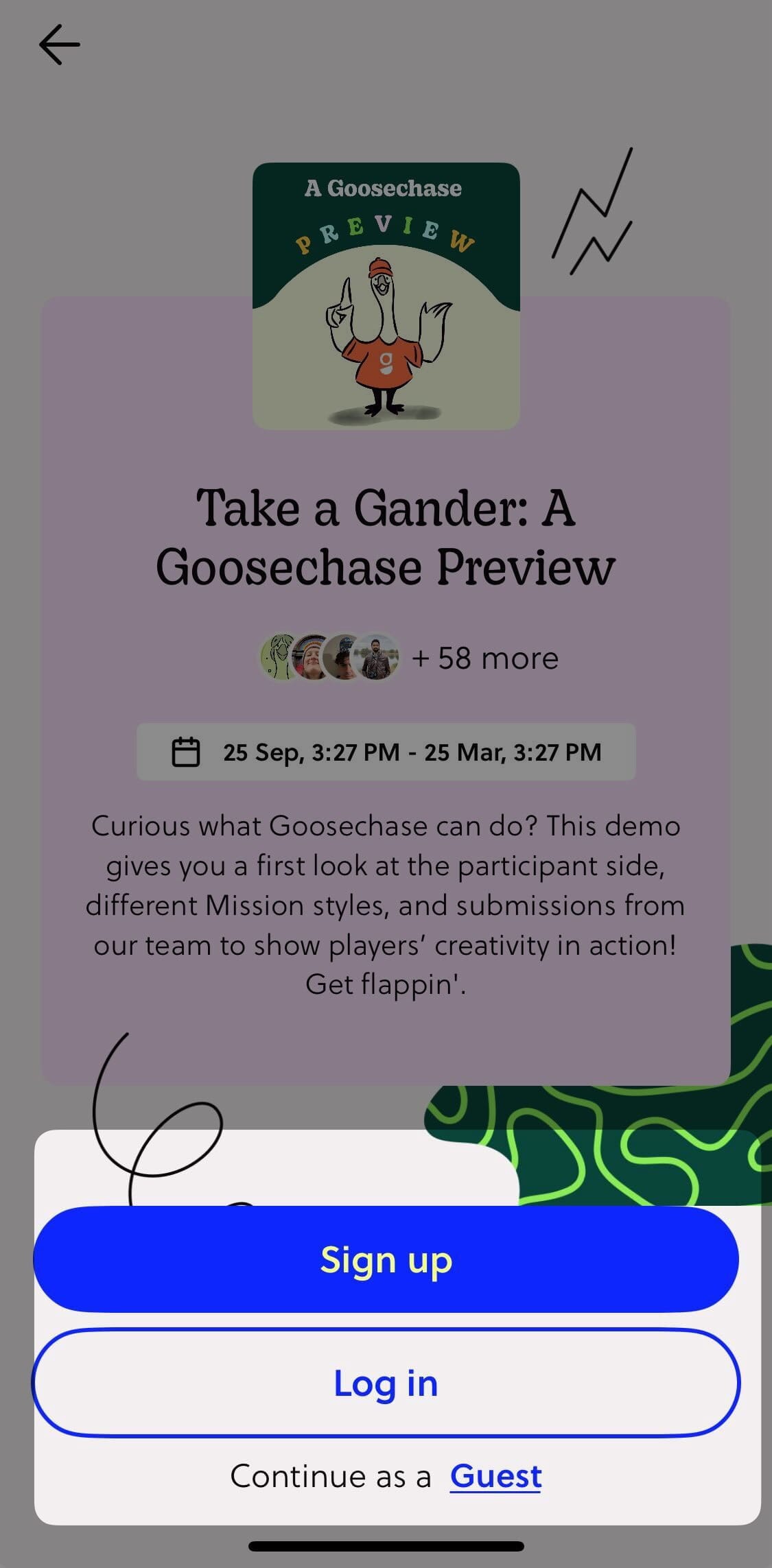
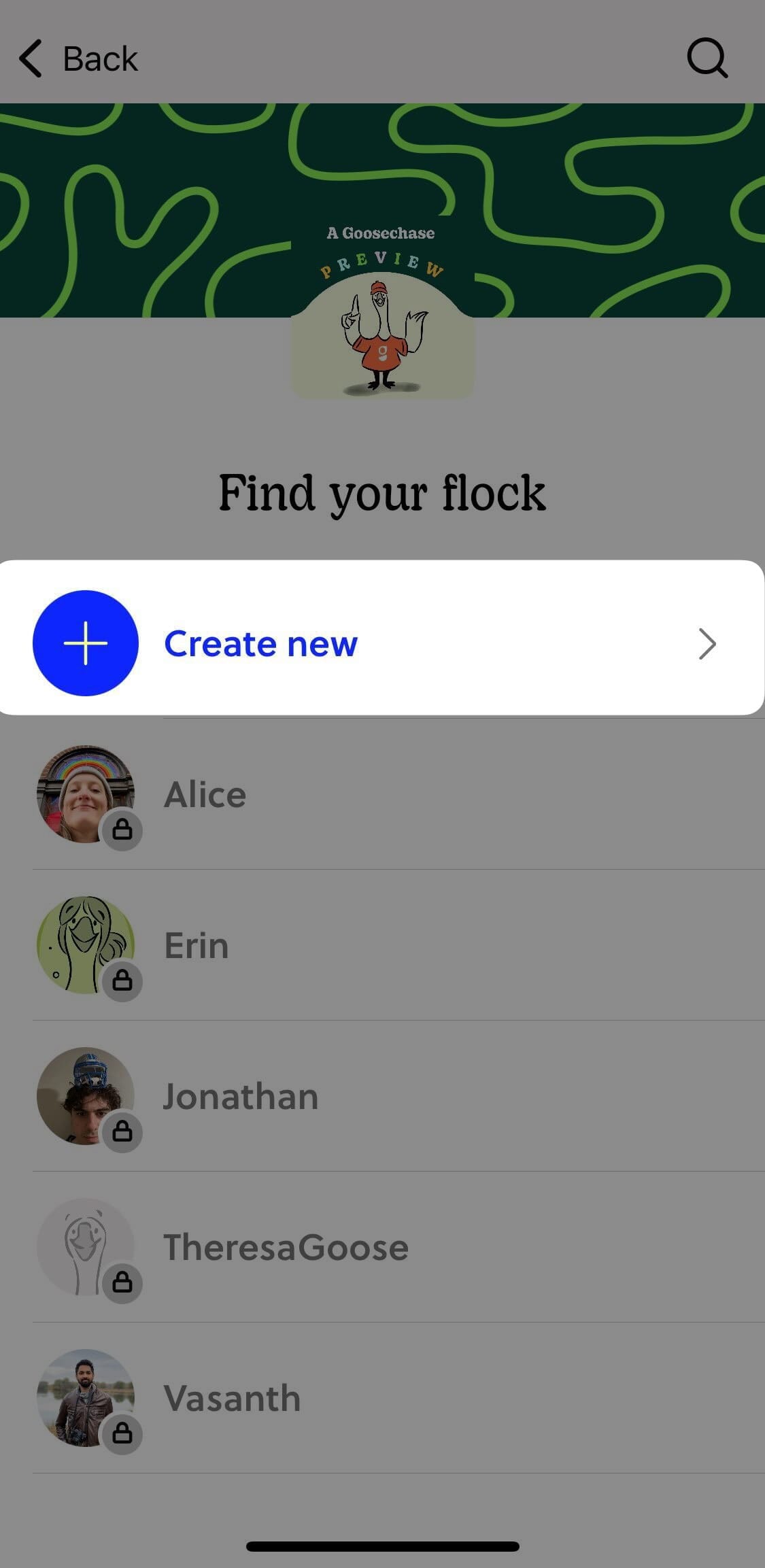
Each Mission in the demo is a working example of a different Mission type (photo, text, GPS, video, and so on), with notes on how Creators use it in different settings. You can complete them for real, just read through for inspiration, or some mix of both.
For the full step-by-step with screenshots, the Help Center walkthrough has you covered.
One small disclaimer: the live demo is for, well, demonstrating. There are no prizes, and we may occasionally clear the leaderboard. Honk responsibly.
Option 4: Build Your Own With a Free Account (the Creator's View)
Joining GCDEMO shows you what participants see. A free Goosechase account shows you the other half: what it's like to actually build and run an Experience as a Creator.
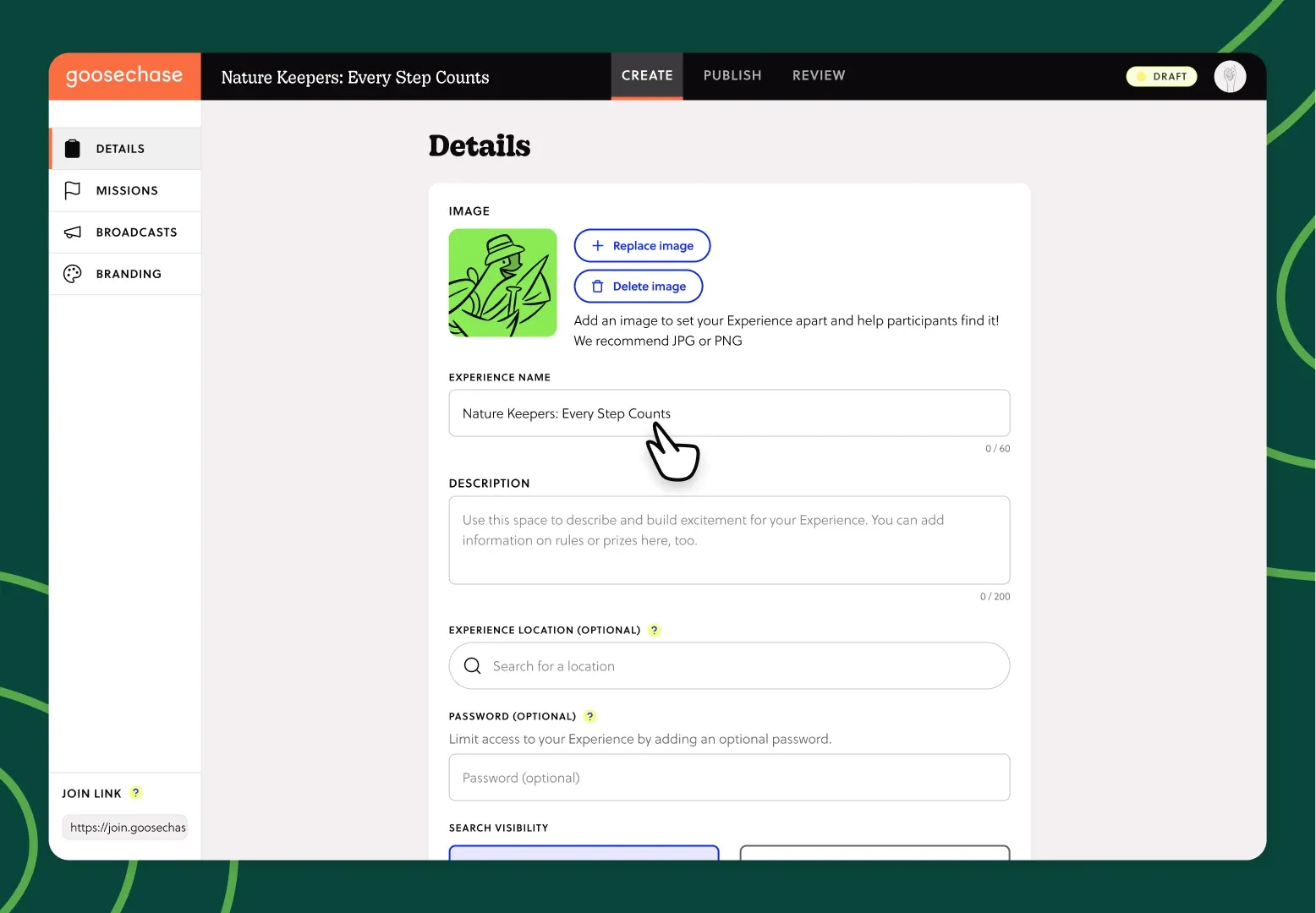
And "free" means free. Every feature in our paid plans is available to you: every Mission type, the full Experience builder, customization, the live Activity Feed and Leaderboard, photo and video submissions, the lot. The only differences are scale:
- Up to 3 participants per Experience
- Up to 24 hours long
That's more than enough to invite a couple of teammates, run a real Experience end-to-end, and feel the whole thing from the Creator side: building Missions, seeing submissions land in real time, assigning bonus points and reacting to your participants as they go.
If you want to skip the blank page, you can also start from any template in our Experience Library and have a working Experience in a few clicks.
Which One's Right for You?
| If you're… | Start with… |
|---|---|
| Quickly evaluating whether Goosechase fits your event | A demo video |
| Looking for ideas and templates you could copy | The Experience Library |
| Ready to feel what participants feel | The live GCDEMO Experience |
| Ready to feel what Creators feel | A free Goosechase account |
| Building a business case for your team | All four, in order |
When You're Ready to Go Further
If you've watched, browsed, played, and built, and you're ready to do this for real, there are only two more steps.
For most Creators, the natural next move is upgrading to a paid plan so you can run Experiences with more than 3 participants for longer than 24 hours. You can browse plans on our pricing page.
If you're planning something bigger, a school district rollout, a multi-location tourism program, a company-wide engagement initiative, or a recurring event series, our team can walk you through the right plan, pricing, and setup for your use case.
What is Goosechase?
At Goosechase, experience is everything. Originally inspired by scavenger hunts, Goosechase is an online platform that enables organizations and schools to engage, activate, and educate their communities through delightful interactive experiences. Sign up and try creating a free recreational Experience, or check out our Pricing!