From Screen Time to Real-World Learning: 10 Activities for K-12 Educators
A practical guide, plus ten Goosechase Experience templates you can clone in two clicks.
For years, the prevailing classroom advice has been the same: get the phones out of sight. Lock them in pouches. Ban them outright. And yet "students don't engage" is still the line we hear from almost every K-12 educator we talk to.
That's because for a generation that's grown up digital-first, the issue isn't technology itself. It's how we're using it.
"When we ask tech-native learners to abruptly abandon their digital fluency at the classroom door, we lose them before we've even begun."
— Dr. Ashley Booker, teacher educator at the University of Michigan
What if, instead of fighting screens, we used them as doorways to deeper, real-world learning?
That's not a hypothetical. It's already happening in classrooms across North America. This guide will show you how, with ten activities you can run tomorrow.
Prefer to read this offline?
Download the full Practical Guide for K-12 Educators (PDF). Same content, designed for printing or sharing with your team.
Why "Less Screen Time" Isn't the Solution
Most classrooms are stuck in a frustrating loop.
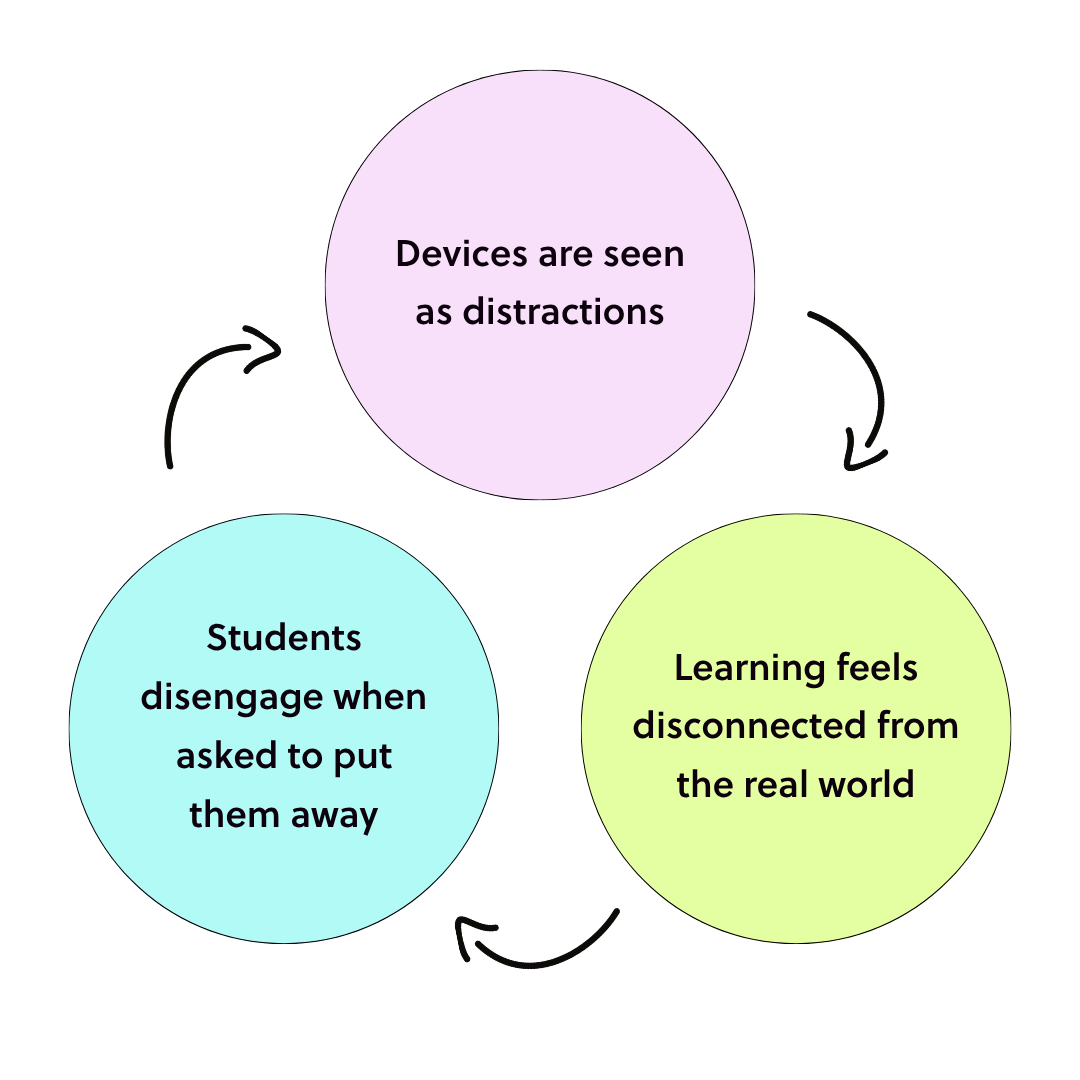
Devices get treated as distractions, so they get banned. With them goes a layer of attention, but the underlying issue (learning that feels disconnected from real life) stays exactly where it was. Students disengage. Devices look even more like the problem. The cycle restarts.
That cycle creates a false choice: engagement or control.
But the most effective classrooms we work with are finding a third option: intentional, active use of technology.
Passive vs. Active Screen Time
Not all screen time is created equal.
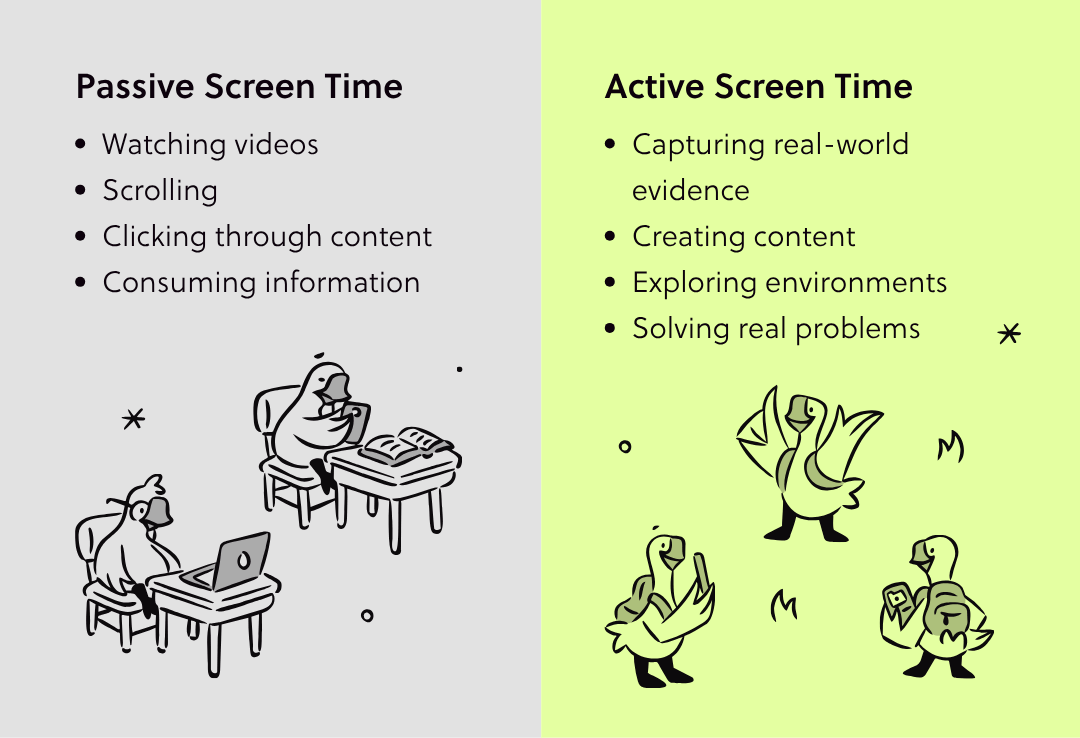
Passive screen time is watching videos, scrolling, clicking through content, consuming information. It's the kind of screen time everyone's right to be worried about.
Active screen time is capturing real-world evidence, creating content, exploring environments, solving real problems. The device is a tool the student reaches for, not a black hole pulling them in.
Here's the insight worth printing out and taping above your desk:
It's not about reducing screen time. It's about transforming it.
When students use devices to engage with the real world, screens stop being a barrier. They start becoming a bridge.
The 4 Principles of Active Learning With Technology
This is the mental model. Whether you're designing an activity from scratch or stress-testing one you found on Pinterest at 11pm, run it through these four principles.
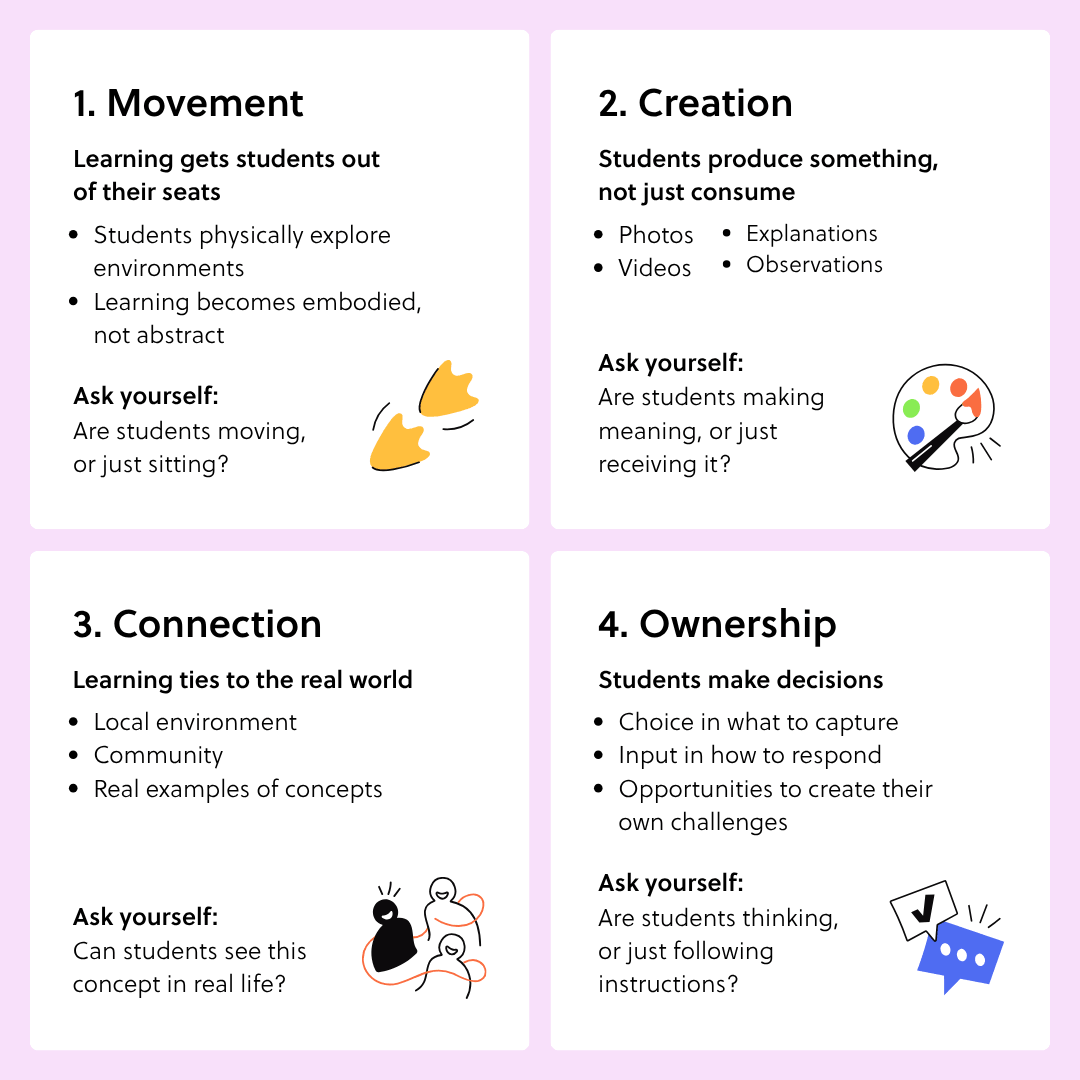
1. Movement
Learning gets students out of their seats. They physically explore environments. Learning becomes embodied, not abstract.
Ask yourself: are students moving, or just sitting?
2. Creation
Students produce something instead of consuming it. Photos, videos, explanations, observations.
Ask yourself: are students making meaning, or just receiving it?
3. Connection
Learning ties to the real world: the local environment, the community, actual examples of the concepts being studied.
Ask yourself: can students see this concept in real life?
4. Ownership
Students get to make decisions. What they capture. How they respond. Whether they design their own challenges.
Ask yourself: are students thinking, or just following instructions?
When all four are present, you don't just have engagement. You have experiential learning.
10 Ready-to-Use Activities for Your Classroom
Each of the activities below is ready to run tomorrow. No complex setup.
We've also linked a Goosechase Experience template for every single one, so if you'd rather skip the build entirely, you can clone the template into a free educator account and run it as-is. Two clicks, no card required.
1. Ecosystem Explorers 🌿
- Objective: Identify real-world ecosystems
- Where: Schoolyard or local park
- How students use their devices: Take photos of three ecosystems and label the components
- What they learn: Observation and systems thinking
- Grade level: 6
Clone the Ecosystem Explorers Template →
2. Math in the Wild 📐
- Objective: Apply math concepts to real environments
- Where: Around the school
- How students use their devices: Capture examples of angles, symmetry, or patterns
- What they learn: Applied math
- Grade level: 4
Clone the Math in the Wild Template →
3. Community Story Hunt 🏛️
- Objective: Connect learning to local history
- Where: Neighborhood
- How students use their devices: Interview someone at, or document, a local landmark
- What they learn: Critical thinking and communication
- Grade level: 8-10
Clone the Community Story Hunt Template →
4. Forces in Motion ⚙️
- Objective: Understand physics concepts
- Where: Playground
- How students use their devices: Record examples of push/pull, gravity, and motion
- What they learn: Scientific observation
- Grade level: 10-11
Clone the Forces in Motion Template →
5. Vocabulary in the Real World 📚
- Objective: Reinforce language learning
- Where: Anywhere
- How students use their devices: Capture real-world examples of vocabulary words
- What they learn: Retention and contextual learning
- Grade level: 2
Clone the Vocabulary in the Real World Template →
6. Creative Photo Challenges 📸
- Objective: Encourage creative thinking
- Where: Anywhere
- How students use their devices: Recreate abstract concepts using photos (e.g. "show teamwork")
- What they learn: Creativity and collaboration
- Grade level: 10-12
Clone the Creative Photo Challenges Template →
7. Sustainability Scavenger Hunt ♻️
- Objective: Identify environmental impact
- Where: School or community
- How students use their devices: Document sustainable vs. wasteful practices
- What they learn: Environmental awareness
- Grade level: 9-10
Clone the Sustainability Scavenger Hunt Template →
8. Geometry in Architecture 🏗️
- Objective: Spot geometry in real structures
- Where: Local buildings
- How students use their devices: Capture shapes and explain their function
- What they learn: Real-world math
- Grade level: 9-10
Clone the Geometry in Architecture Template →
9. Emotion Mapping ❤️
- Objective: Build emotional awareness
- Where: School spaces
- How students use their devices: Tag places that evoke feelings and explain why
- What they learn: Social-emotional learning
- Grade level: 3
Clone the Emotion Mapping Template →
10. Build Your Own Challenge ✨
- Objective: Student-led learning
- Where: Anywhere
- How students use their devices: Students design their own Missions for the class
- What they learn: Ownership and creativity
Clone the Build Your Own Challenge Template →
Addressing the Common Concerns
If you're hesitant about any of this, you're in good company. Here are the four objections we hear most often from teachers, principals, and curriculum leads.
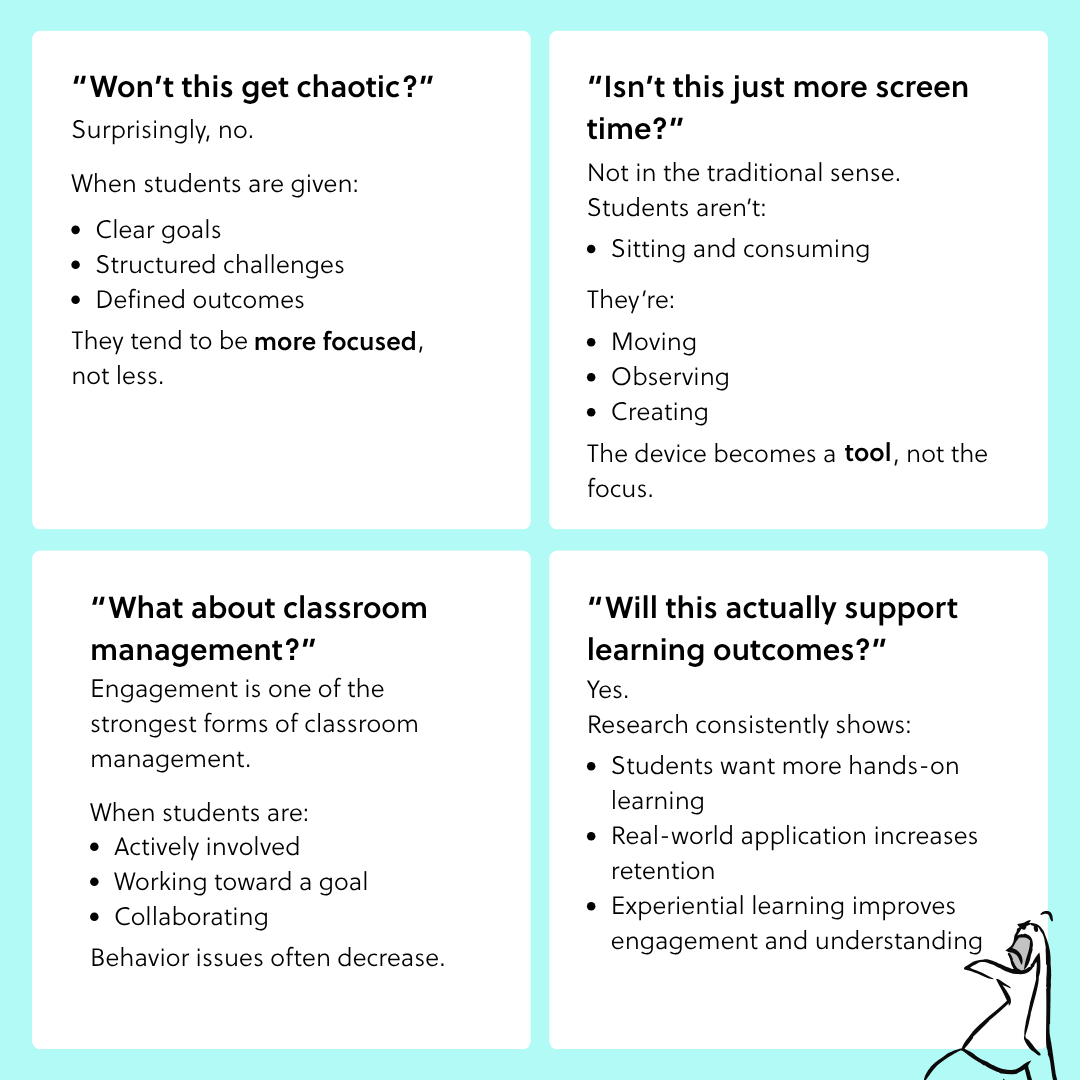
"Won't this get chaotic?" Surprisingly, no. When students are given clear goals, structured challenges, and defined outcomes, they tend to be more focused, not less. Structure beats supervision.
"Isn't this just more screen time?" Not in the traditional sense. Students aren't sitting and consuming. They're moving, observing, creating. The device becomes a tool, not the focus.
"What about classroom management?" Engagement is one of the strongest forms of classroom management. When students are actively involved, working toward a goal, and collaborating, behavior issues often decrease on their own.
"Will this actually support learning outcomes?" Yes. Research consistently shows students want more hands-on learning, real-world application improves retention, and experiential learning boosts both engagement and understanding. We looked at this in our 2025 K-12 participation data: across 16,761 educator-run lessons, students produced more than 2 million pieces of work, most of it photo and video made out in the real world rather than on a screen.
Making It Easy to Run
You can absolutely run all ten of these activities manually. Clipboards, printouts, "show me when you're done." It works.
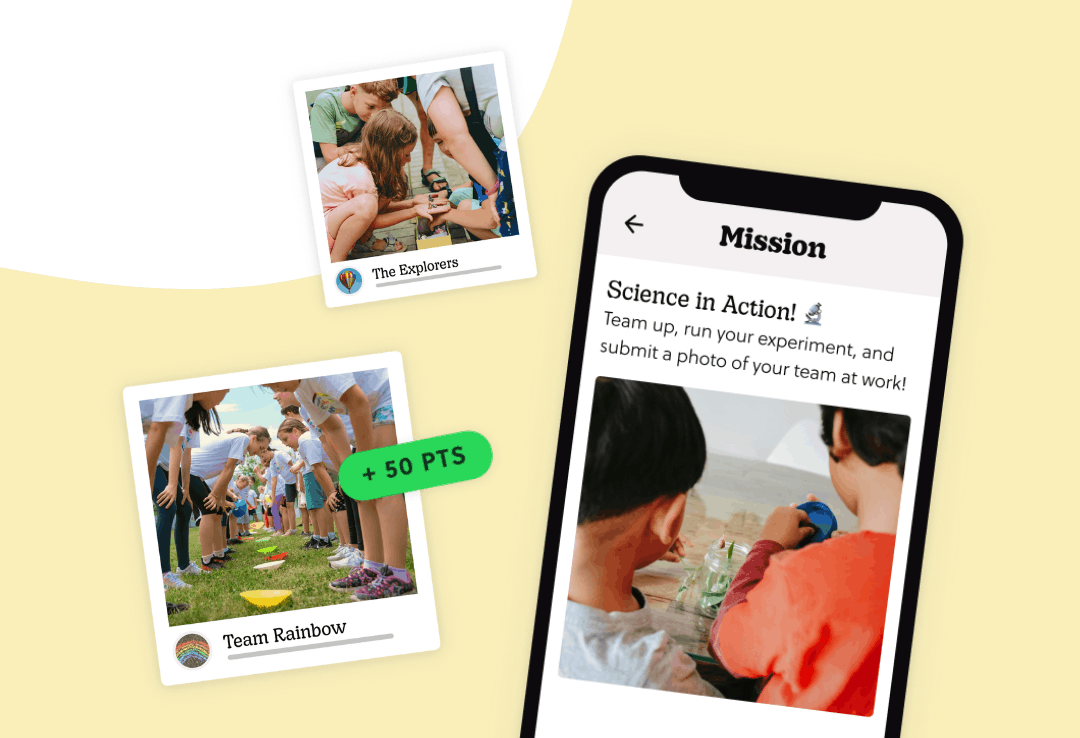
But a lot of the educators we work with use Goosechase to turn activities into structured Missions in minutes, collect photo and video submissions in real time, add points and friendly competition, and keep every student response organized in one place.
If any of the ten above caught your eye, every one has a template ready to clone into a free educator account. You'll be up and running in less time than it takes to laminate something.
Start your free educator account →
Want the Printable Version?
We packaged everything in this article into a clean PDF you can save, share with your team, or keep open on your desk while you're planning next week's lesson.
Download the Practical Guide for K-12 Educators (PDF) →
One Last Thing
Screens don't have to compete with real-world learning. Used intentionally, they can unlock it.
And when that happens, learning doesn't just happen in the classroom.
It happens everywhere.
Further reading:
- Digital Scavenger Hunt Ideas for Classrooms
- Budget-Friendly Engagement Tools for K-12 Schools
- Screens as Doorways
- Outdoor Scavenger Hunt for Students
- How Schools Are Turning Screen Time Into Active Learning [4 Case Studies]
What is Goosechase Educators?
Goosechase is an online platform that helps educators create and run interactive learning experiences in their classrooms and beyond. Sign up and try creating an Experience, or contact us to learn more about our school and district-wide solutions!